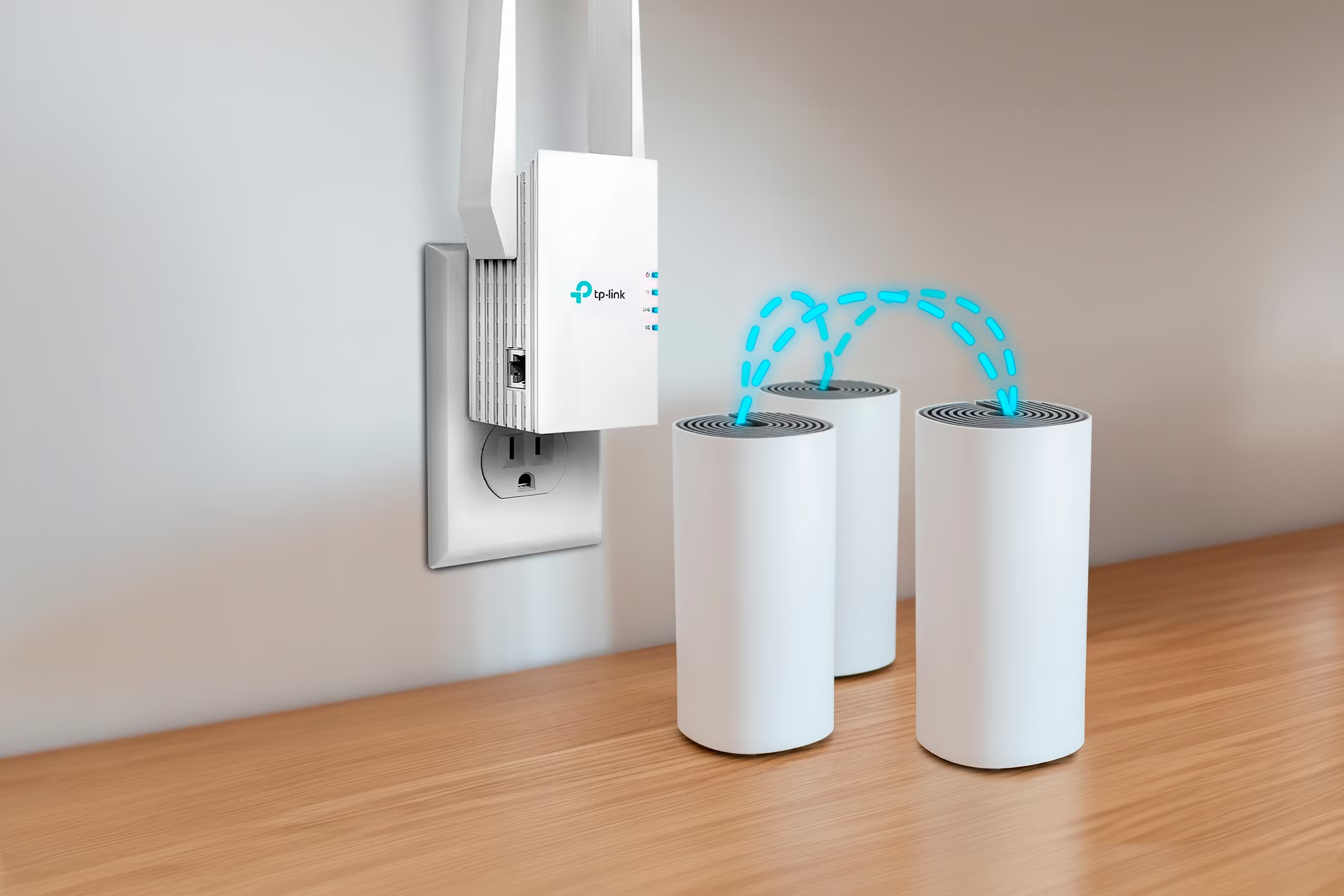
The modern internet is a necessity in today’s world, whether at home, in the office, or in a business premise. But many users suffer from weak Wi-Fi signals, slow connections, and no Wi-Fi coverage in some parts of their buildings. To address these challenges, one of the popular networking devices used is a Wifi extender that extends the range of the wireless network.
A Wifi extender extends the range of the wireless signal by picking up the wireless signal of a router and relaying it to locations where the original signal is weak. This enables users to share devices like smartphones, laptops, smart TVs, and gaming consoles with an extended range without sacrificing connectivity.
No matter if you have a big home, a workplace with multiple levels, or spaces where WiFi signals fail to extend, knowing how a WIFI extender functions can assist you in building a more robust network.
What is a WiFi Extender?
A wifi extender is a wireless networking device that extends the range of a wireless network. It’s designed to receive the wireless signal from a router, boost the signal, and then send it out to a larger area.
Use of walls, furniture, distance, and electronic interference can weaken the Wi-Fi signal, which is why the range of a traditional router is limited. A wifi extender can help solve these issues by creating a bridge between the router and the connected devices.
If you have, for instance, a very good reception in the living room and a very weak reception in a bedroom or backyard, you can install a WiFi repeater between the two rooms for improved reception in the bedroom.
What is the Working Principle of a WiFi Extender?
The process of a WIFI extender is quite simple with three major steps:
1. Gaining Access to the Existing Wi-Fi Signal
The first step is that the wireless connection must be received from the main wireless router. The signal range of the wifi extender should be the same as or within range of the router.
If the extender is positioned far from the transmitter, it could get a weak signal and consequently provide inadequate coverage.
2. Amplifying the Signal
Once the signal is received, the wifi extender receives it, processes it, and boosts its strength. Increased reach means an expanded area for Wi-Fi signals to reach.
This makes it easier for the devices that are further away from the router to connect to the internet.
3. Broadcasting of the Extended Signal
The last step is to send the enhanced signal to areas that are not well covered. These devices can then be connected to the extended network and enjoy a more stable Internet connection.
There are modern extenders that feature intelligent technology to automatically identify the best connecting path and minimize interference.
So What is the Need for a WiFi Extender?
Numerous factors can impact Wireless performance. There are a few situations where a wifi extender may prove beneficial:
Large Homes
If there is a large house, a single router can’t cover the entire house. In rooms far removed from the router, weak signals can be experienced. A wireless extender will extend the coverage and enhance connectivity within the household.
Multiple Floors
Wi-Fi signals do not easily penetrate floors or walls of thick buildings. If you want to spread out wireless transmissions, you can use an extender on another floor.
Outdoor Areas
Wi-Fi Internet may not be available in some backyards, garages, and outdoor work areas. Installing a wifi extender in these areas can improve the internet coverage.
Commercial Spaces, Offices
Reliable Wireless Coverage is often needed throughout a number of rooms in a business. A WiFi extender can increase the reach of a WiFi connection for employees and guests.
Types of WiFi Extenders
Depending on the demands of the users, various types of Wi-Fi extenders are available.
Plug-In WiFi Extenders
They’re small units that can be directly connected to a power outlet. They can be installed very easily and are widely used in households.
Desktop WiFi Extenders
Typically, desktop models will feature higher power antennas and higher performance. They are ideal for bigger areas where more extensive coverage is needed.
Outdoor WiFi Extenders
Outdoor extenders are designed to provide coverage in outdoor environments and to withstand environmental forces.
Using a WiFi Extender has Many Advantages
A WiFi extender offers various benefits for enhancing WiFi coverage.
1. Expands Network Coverage
The main advantage of the wifi extender is to expand the Wi-Fi network’s range. It helps to remove places where signals are weak or missing.
2. Minimizes Wi-Fi Dead Zones
A dead zone may cause devices to not connect correctly. An extender extends this coverage and serves as a wireless extension.
3. Easy Installation
The majority of modern extenders are easy to install. Users can link the device to their router via either mobile apps or setup instructions found on the web.
4. Supports Multiple Devices
A wifi extender enables numerous devices to be able to connect to the extended network, such as smart home devices, computers, and entertainment systems.
5. Cost-Effective Solution
Users don’t need to replace the entire network system, but they can install a wifi extender to get better coverage without costing as much as a network system.
WiFi Extender vs WiFi Router
The main wireless network and the connection to the internet are done by a router. A wifi extender, on the other hand, extends the range of the existing router.
A router controls network traffic, and an extender is primarily concerned with extending signals.
If you have a small house, a router can do the job. But bigger rooms may require a router to be used together with a wifi extender.
Limitations of a WiFi Extender
While a wifi extender can extend coverage, it can also have its drawbacks.
Reduced Speed
The extender receives and repeats signals, so there may be a loss of wireless bandwidth when compared to a direct connection to the router.
Placement Challenges
The location of the extender is important. It can’t work well if it is not positioned close to the router.
Network Management
Using multiple extenders can make network management more complicated, especially in large buildings.
Setting up a WiFi Extender?
Typical steps to installing a wifi extender are:
- Put the extender close to the router when setting it up.
- Set up the extender with the Wi-Fi network.
- Set up using the setup app or web interface.
- Position the extender between the router and the weak signal area.
- Test the strength of the connection.
When properly installed, it provides maximum performance.
Conclusion
A wifi extender is a very helpful device to boost wireless signals and eliminate Wi-Fi blackouts. It automatically receives, strengthens, and re-transmits signals from an existing router, allowing users to have improved connectivity in locations where the router signal is weak.
A wifi extender can’t always supersede top-tier networking technologies such as mesh systems, but it’s definitely a cost-effective and easy-to-use solution for small businesses or homes. A WiFi extender, when used correctly and installed properly, can enhance internet in general use, offering a more powerful and reliable connection.
Frequently Asked Questions (FAQs)
1. A WiFi extender is designed to extend the reach of wifi signals.
A wifi extender extends the range of a WiFi network and boosts its signal in low areas.
2. How does a wifi extender work?
The wifi extender picks up the wireless signal from a router, boosts the signal strength, and then carries the signal to areas that may have poor wireless signals.
3. Will a WiFi Extender make WiFi Faster?
A wifi extender is primarily designed to extend the range of coverage, but not to boost your internet speed from your provider. It can, however, enhance the connection quality in weak signal zones.
4. What’s the best location for a WiFi Extender?
Ideally, a wifi extender should be set up halfway between the weak Wi-Fi zone and the router.
5. What is the difference between a new router and a wifi extender?
You can use a Wi-Fi extender to boost the range of your WIFI, or you can get a new router for better overall performance. Which one to choose will depend on your network needs.